
Aimo Radio
Run your own radio station from your Windows PC. Smooth crossfades, jingles over music, a smart queue, and an optional AI programme director.

Run your own radio station
Aimo Radio is a complete radio automation program for small stations, online radios, event DJs and anyone who loves a good programme. It plays your music with smooth crossfades, mixes jingles over songs the way real stations do, keeps a queue so the music never stops, and, if you want, hands the whole programme to AIMO, an optional AI programme director that chooses the music, keeps the mood flowing and takes your requests in plain language.
Aimo Radio works fully without AI. AI is optional, off until you set it up, and you decide which AI service to use, including a local model that never leaves your computer.
Three ways to run the station
You decide how much control you want to keep.
HUMAN
You run the programme and the queue you built keeps playing.
AUTO
The built-in Scheduler keeps the queue filled, with rules that stop the same song or artist coming back too soon.
AIMO
The AI director runs the programme. The Scheduler stays as a safety net so the station never goes silent.
Key Features
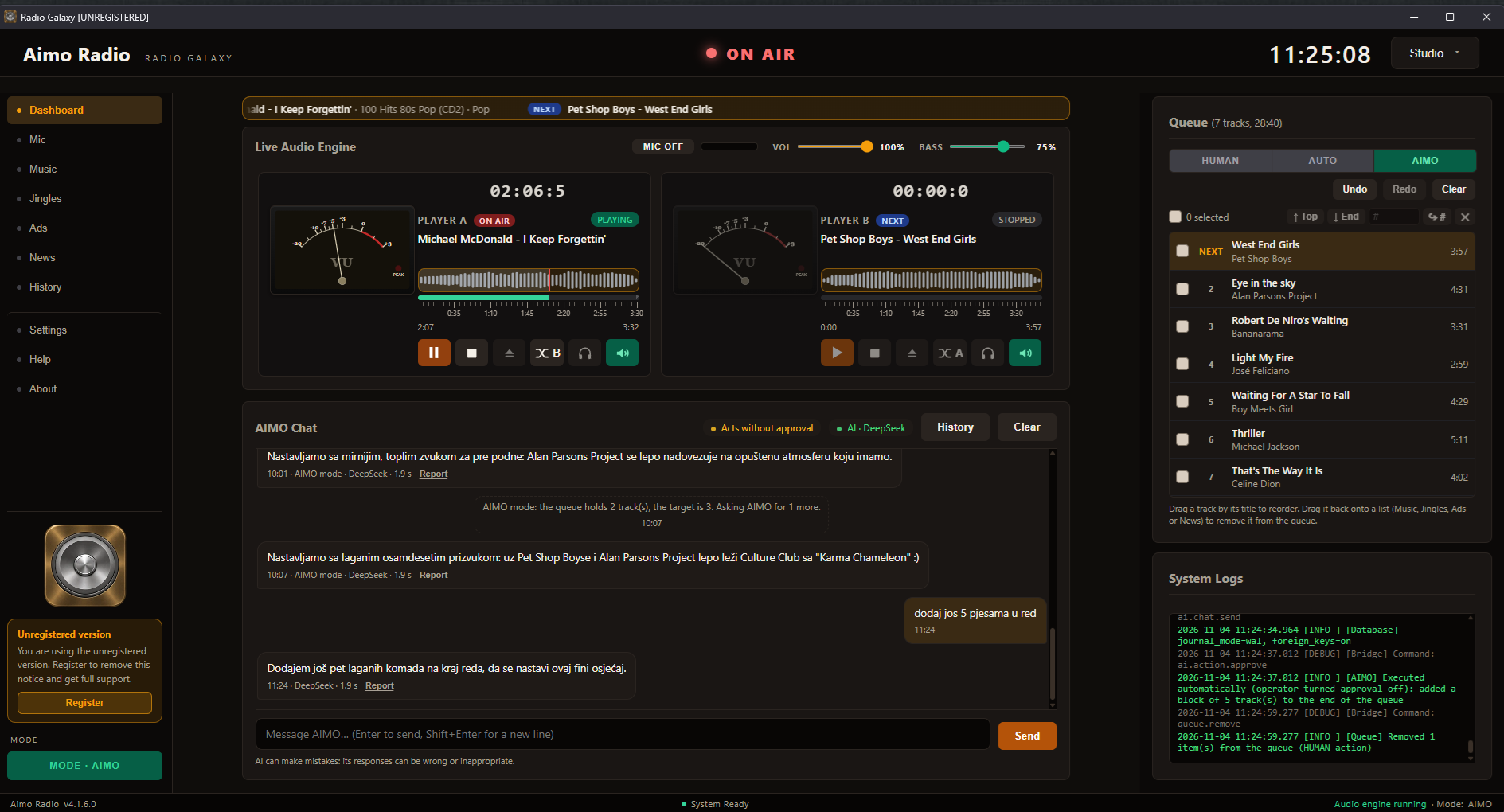
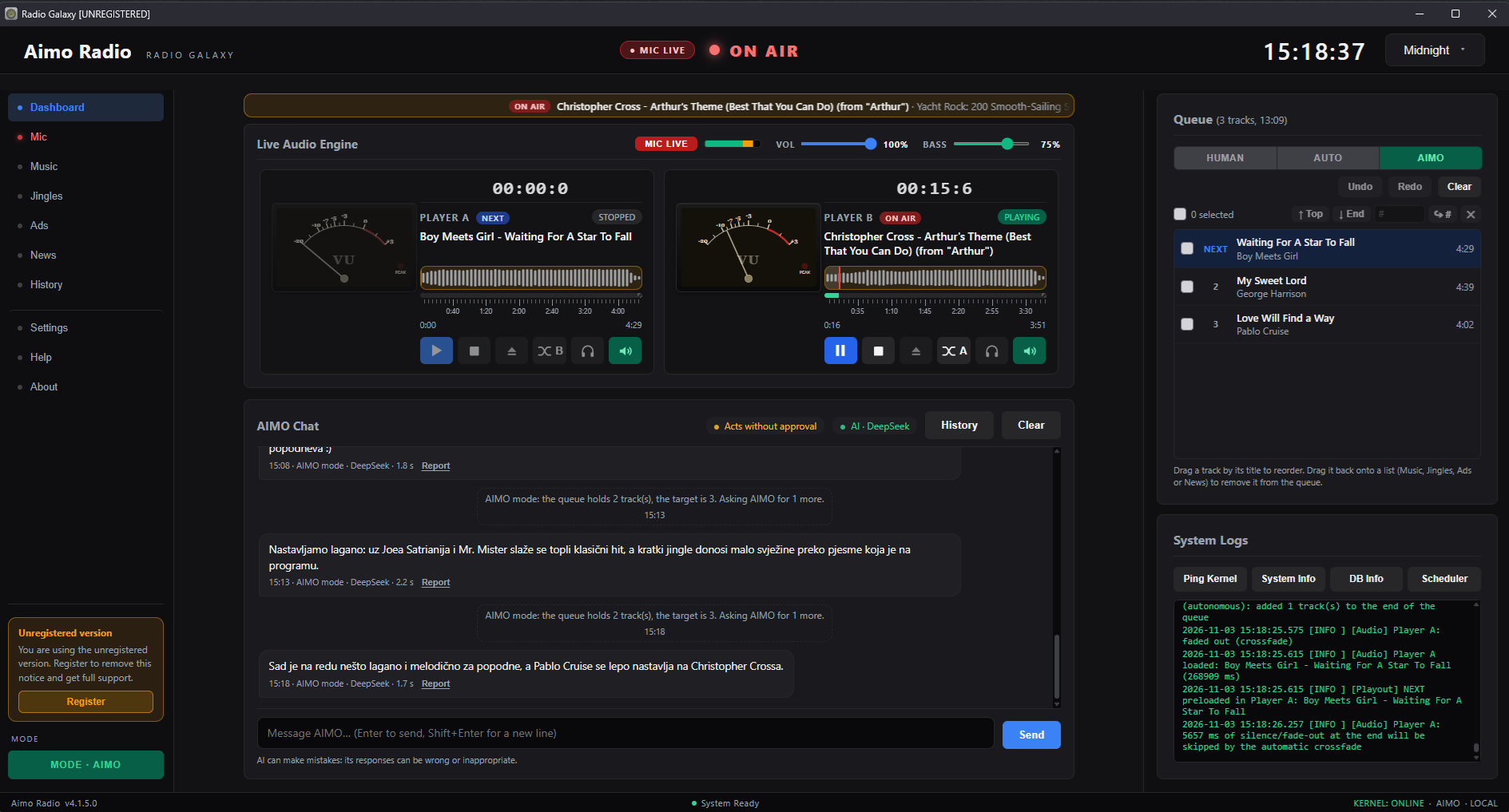
- Two players, no gaps: Two decks (Player A and Player B) hand over to each other with a configurable equal-power crossfade. The next track is always preloaded, and silence at the end of a song is skipped automatically.
- Live meters: VU meters, waveforms and a time scale show exactly what is on air.
- Smart queue: Drag and drop tracks, reorder them, move selections to the top or the end, and undo or redo any change. Search your library by artist, title, album or genre, including names with č, ć, š, ž and đ.
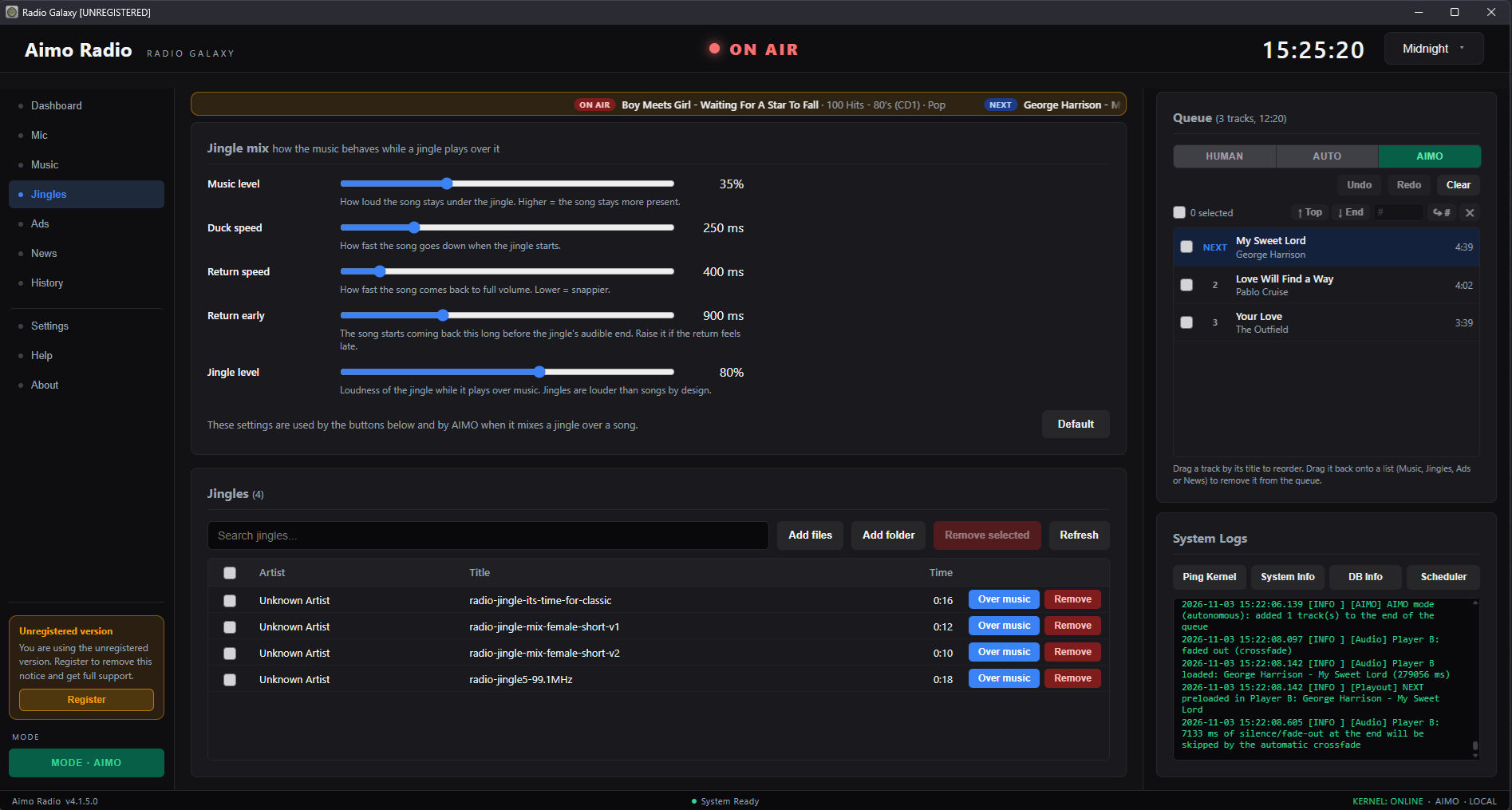
- Jingles, ads and news: Keep separate libraries for music, jingles, ads and news. Jingles play over the music with automatic ducking: the song dips, the jingle plays and the music comes back by itself.
- CUE preview: Preview any track on your headphones while the station keeps playing.
- AIMO Chat: Talk to your programme director in your own language: ask for a mellow evening, more rock, a jingle over the next song. AIMO sees what is playing and what is queued, and you can let it act on its own or approve each action yourself.
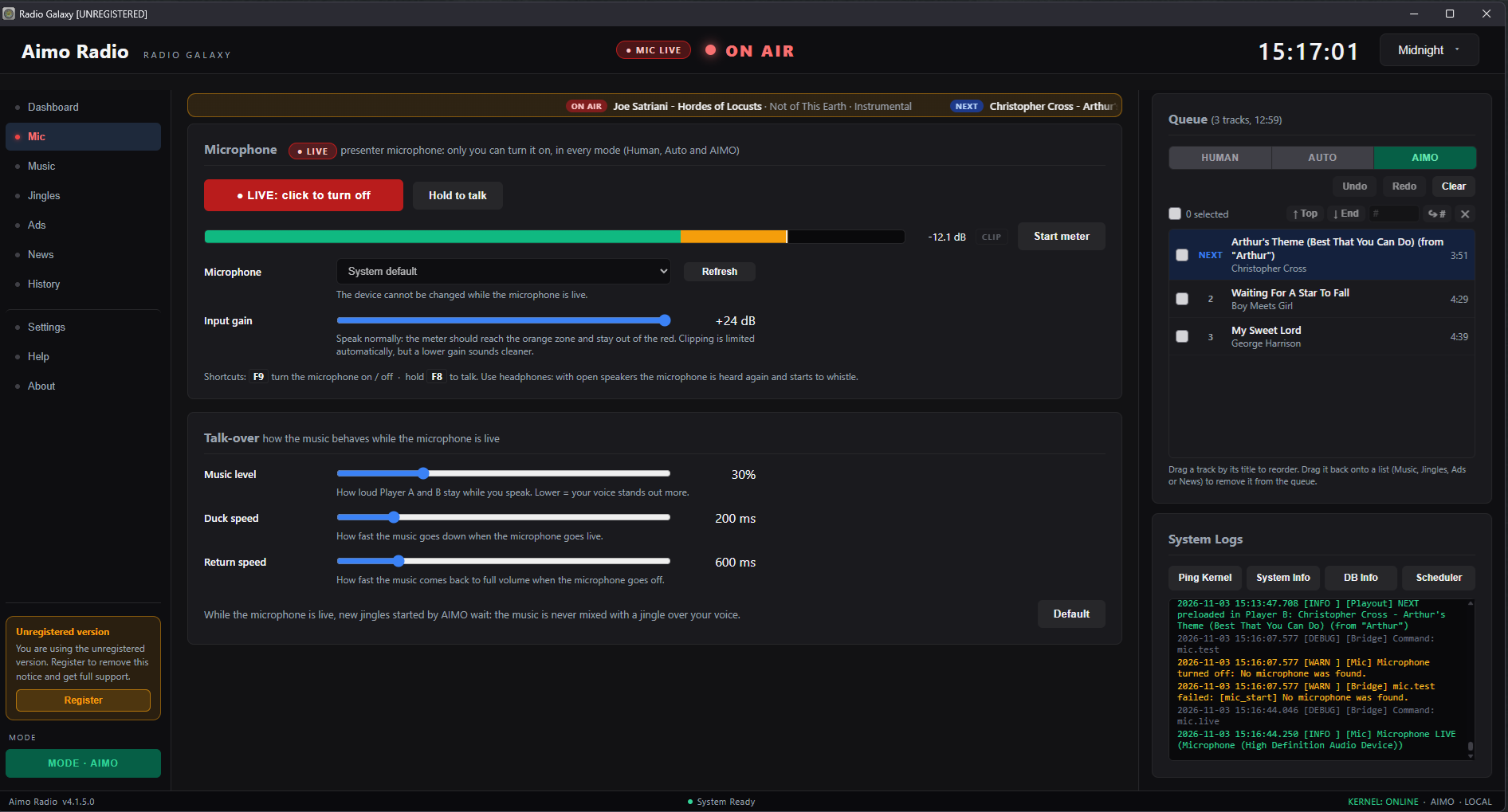
- Your voice on air: Go live with your microphone in any mode. Only you can turn it on or off. The microphone is never recorded and never sent to the AI.
- Play history: See everything that was played and when, filter and search it, and export it to CSV for Excel or for your reports.
- Bass boost and master volume: Shape your station's sound.
- Four colour themes: Make the workspace yours.
- Optional Icecast streaming: Stream your station to an Icecast-compatible server.
- Privacy first: Your music stays on your computer and is never uploaded. No ads and no data collection by the developer.
Optional AI, your choice
AI is optional and off until you set it up. You choose which service to use: OpenAI-compatible services such as DeepSeek, OpenAI, OpenRouter, Groq, Together and Mistral, or local servers such as llama.cpp, Ollama and LM Studio. You can set a chain of AI services, so if one fails the next one takes over.
Please note: AI can make mistakes, and AI features need an AI service of your choice and an internet connection (not needed for a local model).
Frequently Asked Questions
Does Aimo Radio require AI to work?
No. Aimo Radio works fully without AI. AI is optional, off until you set it up, and you decide which AI service to use, including a local model that never leaves your computer.
What are the three modes in Aimo Radio?
HUMAN: you run the programme and the queue you built keeps playing. AUTO: the built-in Scheduler keeps the queue filled with rules against repeats. AIMO: the AI director runs the programme, with the Scheduler as a safety net.
Does Aimo Radio upload my music?
No. Your music stays on your computer and is never uploaded. Aimo Radio does not collect your data and has no ads.
Can I use my microphone for live voice-over?
Yes. You can go live with your microphone in any mode. Only you can turn it on or off. The microphone is never recorded and never sent to the AI.
What AI services does Aimo Radio support?
It works with OpenAI-compatible services such as DeepSeek, OpenAI, OpenRouter, Groq, Together and Mistral, and with local servers such as llama.cpp, Ollama and LM Studio. You can set a chain of AI services, so if one fails the next one takes over.
Can I stream my station to the internet?
Yes, Aimo Radio offers optional streaming of your station to an Icecast-compatible server.
Gallery
Take a look at Aimo Radio in action.
Last updated: November 2026